
How many network surveillance cameras can one switch support? For questions such as: how many 2-megapixel network cameras can a gigabit switch generally connect? If there are 24 network ports, is it OK to use one 24-port 100 Mbps switch? For such questions, today we will learn together about the relationship between the number of switch ports and the number of cameras.
I. Select According to Camera Bitrate and Quantity
1. Camera bitrate
Before choosing a switch, you should first figure out how much bandwidth each video stream occupies.
2. Number of cameras
You need to understand the bandwidth capacity of the switch. Common switches include 100 Mbps switches and 1000 Mbps switches. Their actual bandwidth is generally only 60%–70% of the theoretical value, so the usable bandwidth of their ports is roughly 60 Mbps or 600 Mbps.
Example:
Estimate how many cameras a switch can connect based on the single-camera bitrate for the brand/model you use. For example:
① 1.3 MP: For a 960p camera, the single-camera bitrate is usually 4 Mbps. With a 100 Mbps switch, you can connect 15 cameras (15×4=60M); with a 1000 Mbps switch, you can connect 150 (150×4=600M).
② 2 MP: For a 1080P camera, the single-camera bitrate is usually 8 Mbps. With a 100 Mbps switch, you can connect 7 cameras (7×8=56M); with a 1000 Mbps switch, you can connect 75 cameras (75×8=600M). These examples are explained based on mainstream H.264 cameras. For H.265, just divide by half.
From the perspective of network topology, a LAN usually has a two- to three-layer structure. The camera side is the access layer, and generally a 100 Mbps switch is sufficient, unless you connect many cameras on one switch.
For the aggregation layer and core layer, calculation should be based on how many video streams are aggregated by the switch. The calculation method is as follows: if connecting 960P network cameras, generally within 15 video streams, use a 100 Mbps switch; if more than 15, use a gigabit switch. If connecting 1080P network cameras, generally within 8 video streams, use a 100 Mbps switch; if more than 8, use a gigabit switch.
II. Switch Selection Requirements
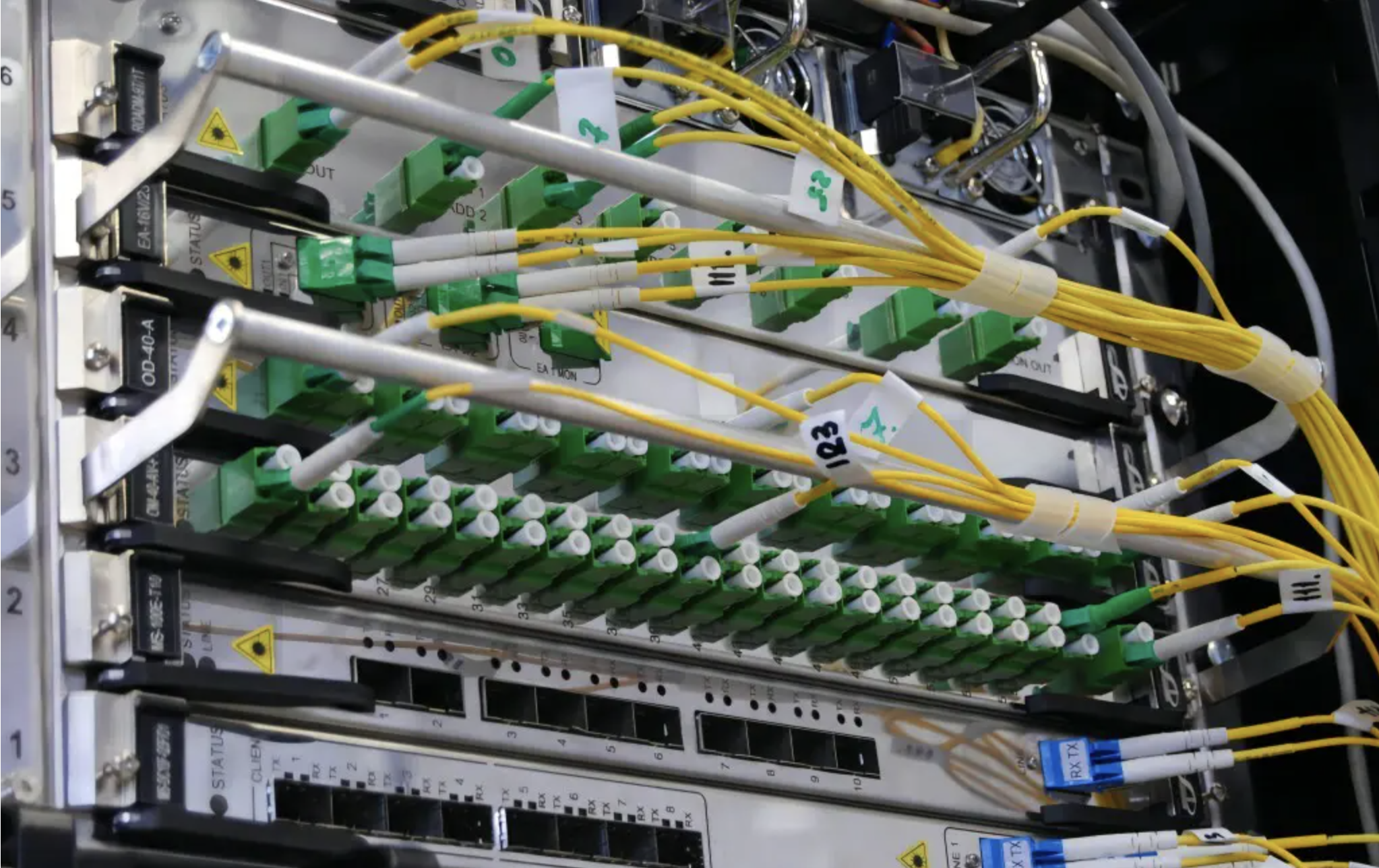
The surveillance network has a three-layer architecture: core layer, aggregation layer, access layer.
1. Selection of access-layer switches
Condition 1: Camera bitrate: 4 Mbps. For 20 cameras, it is 20*4=80 Mbps.
That is, the uplink port of the access-layer switch must meet the transmission rate requirement of 80 Mbps/s. Considering the actual transmission rate of a switch (usually 50% of the nominal value; for 100M it is only about 50M), the access-layer switch should select a switch with a 1000M uplink port.
Condition 2: Switch backplane bandwidth. If choosing a 24-port switch, with two 1000M ports, a total of 26 ports, then the backplane bandwidth requirement of the access-layer switch is:
(24100M2 + 100022) / 1000 = 8.8 Gbps backplane bandwidth.
Condition 3: Packet forwarding rate: the packet forwarding rate of one 1000M port is 1.488 Mpps/s, then the switching rate of the access-layer switch is:
(24*100M/1000M + 2) * 1.488 = 6.55 Mpps.
Based on the above conditions: when 20 channels of 720P cameras are connected to one switch, this switch must have at least 1 1000M uplink port and more than 20 100M access ports to meet the requirements.
2. Selection of aggregation-layer switches
Assume there are 5 access switches connected in, each switch has 20 cameras, bitrate is 4M, then the aggregation-layer traffic is:
4 Mbps * 20 * 5 = 400 Mbps, so the uplink port of the aggregation layer must be 1000M or above.
If 5 IPCs access one switch, generally an 8-port switch is needed, then whether this 8-port switch meets the requirements can be checked from the following three aspects:
Backplane bandwidth: number of ports * port speed * 2 = backplane bandwidth, that is 81002=1.6 Gbps.
Packet switching rate: number of ports * port speed / 1000 * 1.488 Mpps = packet switching rate, that is 8100/10001.488=1.20 Mpps.
For some switches, the calculated packet switching rate sometimes cannot meet this requirement, which means it is a non-wire-speed switch. When performing large-capacity throughput, it is easy to cause delay.
Cascade port bandwidth: IPC bitrate * quantity = minimum bandwidth of uplink port, that is 4*5=20 Mbps. Under normal circumstances, when IPC bandwidth exceeds 45 Mbps, it is recommended to use a 1000M cascade port.
III. How to Select a Switch
Example: There is a campus network with more than 500 HD cameras, bitrate 3–4 Mbps, network structure is access layer – aggregation layer – core layer. Storage is at the aggregation layer, and each aggregation layer corresponds to 170 cameras.
The problems faced: how to select products, the difference between 100M and 1000M, what factors affect image transmission in the network, which factors are related to switches, and so on.
1. Backplane bandwidth
Two times the sum of all port capacities (port speed × number of ports) should be less than the nominal backplane bandwidth, so that full-duplex non-blocking wire-speed switching can be achieved, proving that the switch has the conditions to play maximum data switching performance.
For example: a switch that can provide up to 48 gigabit ports, its full-configuration capacity should reach 48×1G×2=96 Gbps, to ensure non-blocking wire-speed packet switching when all ports are in full duplex.
2. Packet forwarding rate
Full-configuration packet forwarding rate (Mpps) = full-configuration GE port quantity × 1.488 Mpps + full-configuration 100M port quantity × 0.1488 Mpps, where the theoretical throughput of one gigabit port at a packet length of 64 bytes is 1.488 Mpps.
For example: if a switch can provide up to 24 gigabit ports, but the claimed packet forwarding rate is less than 35.71 Mpps (24 × 1.488 Mpps = 35.71), then there is reason to believe that the switch uses a blocking structural design.
Generally, only switches that meet both backplane bandwidth and packet forwarding rate are suitable switches.
For switches with relatively large backplane but relatively small throughput, besides reserving upgrade and expansion capability, it indicates problems in software efficiency / dedicated chip circuit design; switches with relatively small backplane but relatively large throughput have relatively high overall performance.
Camera bitrate affects clarity, usually it is the bitrate setting of video transmission (including encoding transmission and the encoding/decoding capabilities of sending and receiving devices, etc.). This is the performance of the front-end camera and is unrelated to the network.
Usually users think the clarity is not high and believe it is caused by network reasons, which is actually a misunderstanding.
According to the above case, calculate:
Bitrate: 4 Mbps
Access: 244=96 Mbps < 1000 Mbps < 4435.2 Mbps
Aggregation: 1704=680 Mbps < 1000 Mbps < 4435.2 Mbps
3. Access switches
Mainly consider the link bandwidth between access and aggregation, that is, the uplink link capacity of the switch needs to be greater than the number of cameras accommodated simultaneously * bitrate. In this way, real-time video recording is no problem, but if there are users viewing video in real time, this bandwidth also needs to be considered. The bandwidth occupied by each user viewing one video is 4M. If each camera on an access switch has one person watching, then the required bandwidth is camera quantity * bitrate * (1+N), that is 244(1+1)=128M.
4. Aggregation switches
The aggregation layer needs to process the 3–4M bitrate of 170 cameras simultaneously (170*4M=680M), which means the aggregation switch needs to support switching capacity of more than 680M. Generally storage is connected at the aggregation, so video recording is wire-speed forwarding. But the bandwidth for real-time monitoring viewing should be considered. Each connection occupies 4M. A 1000M link can support 250 cameras being debug-called. Each access switch connects 24 cameras. 250/24 means the network can withstand the pressure that each camera is being viewed in real time by 10 users at the same time.
5. Core switches
For the core switch, you need to consider switching capacity and the link bandwidth to aggregation. Because storage is placed at the aggregation layer, the core switch has no pressure of video recording, that is, only need to consider how many people are watching how many video streams at the same time.
Assume in this case there are 10 people monitoring at the same time, each person watches 16 video streams, then the switching capacity needs to be greater than 10164=640M.
6. Key points of switch selection
When selecting switches for video surveillance within a LAN, for access-layer and aggregation-layer switch selection, usually only the switching capacity factor needs to be considered, because users usually connect through the core switch to obtain video. In addition, because the main pressure is on the aggregation switch, because it needs to handle both the monitoring storage traffic and the real-time monitoring viewing calling pressure, it is very important to select a suitable aggregation switch.