Choosing the right TF (MicroSD) card for a home security camera is important.
If the card performance is too high, it may be unnecessary and increase costs.
If the card performance is too low or unstable, several problems may occur:
- Video recording may fail due to slow or unstable write speed
- Video playback may lag due to slow read speed
- The camera may fail to recognize the card
- Cheap or low-quality cards may stop working after long-term recording
So how do you choose the right TF card for a home security camera?
First, let’s understand the basics of TF cards.
1. What is a TF Card?
TF card stands for T-Flash (TransFlash).
It was originally developed by Motorola and SanDisk and is an ultra-compact storage card.
TF Card Size
11 × 15 × 1 mm
SD Card Size
32 × 24 × 2.1 mm
A TF card is about one quarter the size of a standard SD card.
In 2004, the SD Association adopted the format and officially renamed it MicroSD Card.
Therefore, modern TF cards are typically labeled MicroSD.
2. Storage Capacity Standards
MicroSD cards are mainly divided into two capacity standards:
| Type | Meaning | File System | Max Capacity |
| MicroSDHC | High Capacity | FAT32 | Up to 32GB |
| MicroSDXC | eXtended Capacity | exFAT | Up to 2TB |
Currently common capacities include:
- 64GB
- 128GB
- 256GB
- 512GB
- 1TB
⚠️ If a card is labeled MicroSDHC but shows 128GB, it is likely fake or mislabeled.
3. UHS High-Speed Bus Interface
The UHS (Ultra High Speed) interface defines the communication protocol between the card and device.
| Standard | Max Write | Max Read | Minimum Guaranteed |
| UHS-I | 95 MB/s | 104 MB/s | 10 MB/s |
| UHS-II | 280 MB/s | 312 MB/s | 30 MB/s |
| UHS-III | Higher full-duplex speed | — | — |
Important:
These indicate interface capability, not the actual card speed.
4. Speed Class Standards
MicroSD cards use several speed classifications.
| Minimum Write Speed | Class | UHS Class | Video Speed Class | App Performance |
| 90 MB/s | V90 | |||
| 60 MB/s | V60 | |||
| 30 MB/s | U3 | V30 | ||
| 10 MB/s | Class 10 | U1 | V10 | A1 / A2 |
| 6 MB/s | Class 6 | V6 | ||
| 4 MB/s | Class 4 | |||
| 2 MB/s | Class 2 |
A1 / A2 Performance
A1 and A2 refer to random read/write performance, mainly used for smartphones.
Minimum requirements:
A1
- 10 MB/s sequential speed
- 1500 read IOPS
- 500 write IOPS
A2
- 10 MB/s sequential speed
- 4000 read IOPS
- 2000 write IOPS
For security cameras, video recording is continuous sequential writing, so A1/A2 is not very important.
However, if the camera uses motion detection recording, A1/A2 cards may provide slightly better stability.
5. Speed Requirements for Security Cameras
Security cameras mainly require stable write speed.
The required speed depends on the video bitrate.
Typical bitrates:
| Resolution | H.264 Bitrate | H.265 Bitrate |
| 1080P | 4 Mbps | 2 Mbps |
| 3MP / 4MP | 4 Mbps | 2 Mbps |
| 5MP | 6 Mbps | 3 Mbps |
| 8MP | 8 Mbps | 4 Mbps |
Even with H.264 encoding, a 1080P camera usually requires less than 4 Mbps, which equals:
0.5 MB/s write speed
This means even a Class 4 card can technically support recording.
However, for reliability, it is recommended to use:
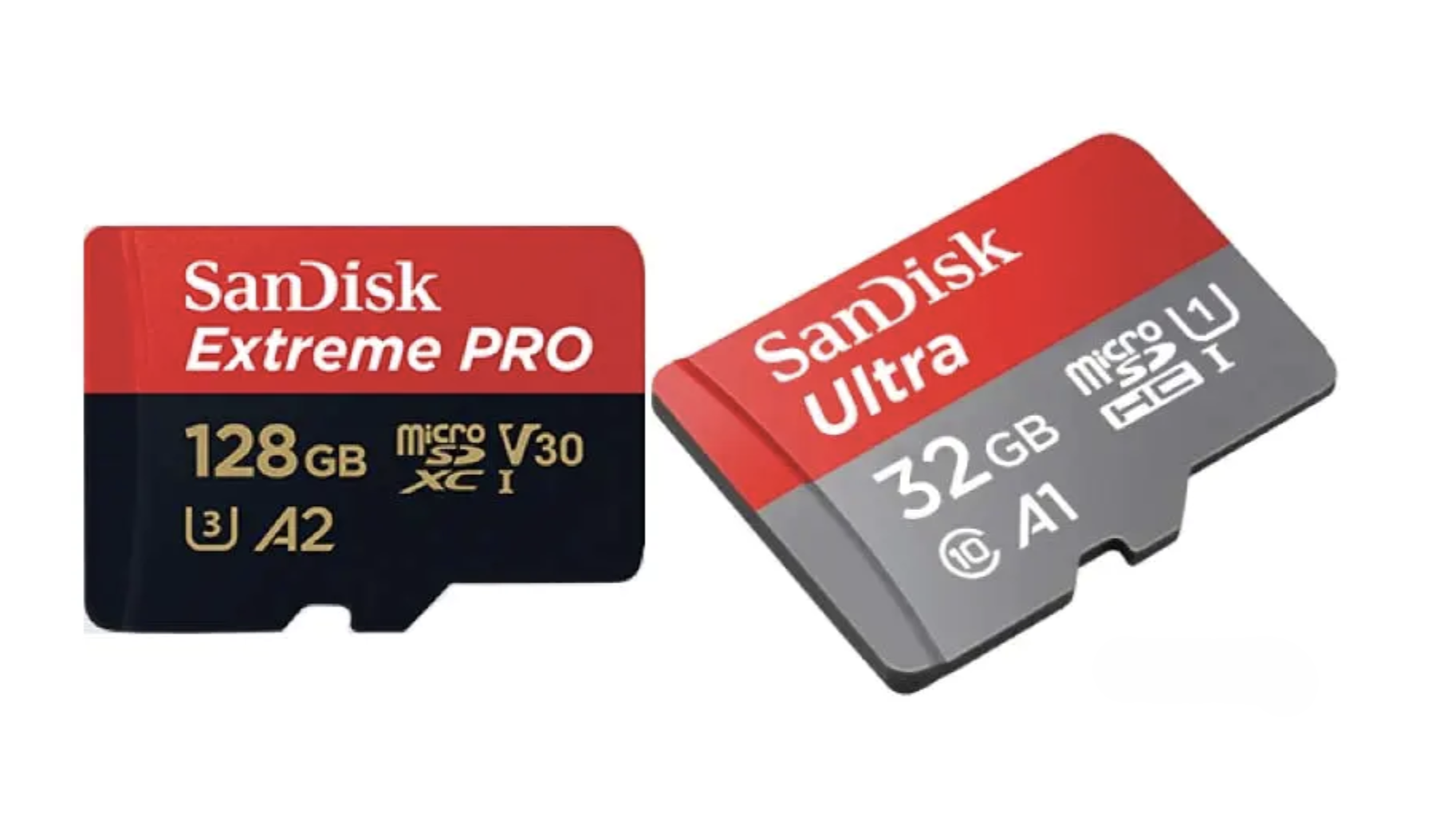
- Class 10
- U1
- V10 or V30
According to the SD Association:
- V6 / V10 / V30 → suitable for Full HD (1080P)
- V30 / V60 → suitable for 4K video
- V90 → designed for 8K video
6. Choosing the Right Storage Capacity
Storage capacity depends on:
- Camera resolution
- Video bitrate
- Recording time
- Recording mode
Storage calculation formula
File size per second:
File Size (Byte) = Bitrate (bps) ÷ 8
24-hour storage requirement:
Storage = (Bitrate ÷ 8) × 60 × 60 × 24
Example:
1080P camera
H.265 bitrate = 2000 kbps
Daily storage:
2000 ÷ 8 × 60 × 60 × 24 ≈ 21.6 GB
So a 128GB card can store roughly:
5–6 days of continuous recording
Actual storage may vary due to:
- frame rate
- scene complexity
- bitrate control
- encoding efficiency
7. Motion Recording to Extend Storage Time
TF cards have limited capacity.
To increase recording time, many cameras support motion detection recording.
Common modes include:
- Motion detection recording
- Human detection recording
Advantages:
- Saves storage space
- Records only important events
- Easier video playback search
Human detection recording is more efficient because it filters false alarms like wind or moving leaves.
8. Are “Surveillance TF Cards” Necessary?
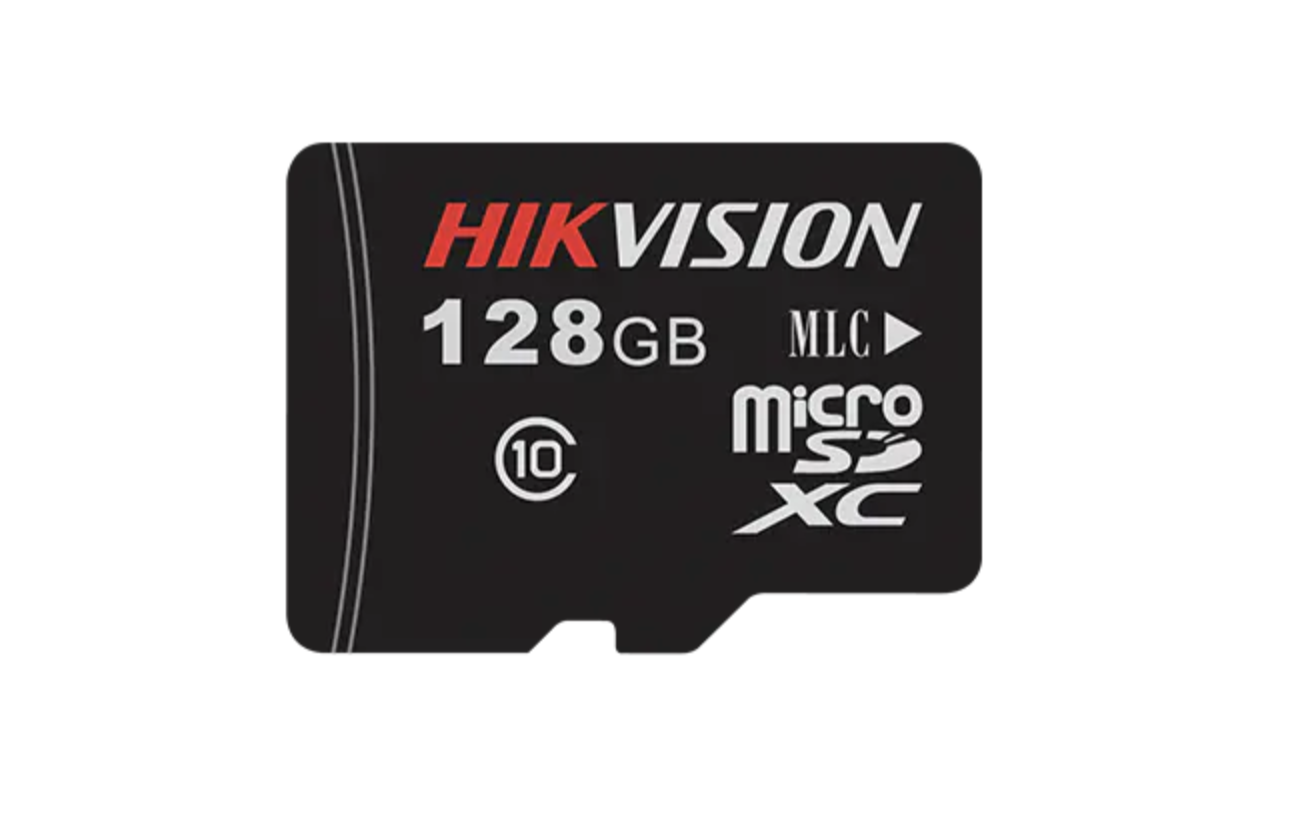
Some brands sell surveillance-grade MicroSD cards.
In reality, these cards are not fundamentally different from regular cards.
The most important factors are:
- genuine brand
- stable write speed
- reliable quality
9. Maximum Capacity Supported by the Camera
Security cameras usually specify the maximum supported TF card capacity.
This limitation depends on the hardware and encoding chip.
Always check the camera specification.
Using a larger card than supported may cause:
- card not recognized
- unstable recording
10. Always Use Genuine MicroSD Cards
This is the most important point.
Low-quality or counterfeit cards may cause:
- recording failure
- file corruption
- card damage
Choose cards from reputable brands such as:
- SanDisk
- Samsung
- Kingston
- Western Digital
11. Consider Cloud Storage
If the camera or TF card is:
- damaged
- stolen
- removed
all local recordings may be lost.
Using cloud storage services allows video to be stored online, ensuring recordings remain accessible even if the device is compromised.